

About

See it. Set it. Shoot it.
A camera that teaches. Pick the shot you want, CameraOnce sets every control on your iPhone, then tells you the one thing only you can do.
Eight styles. Fifteen shots.
Each one sets the frame, the shutter, the focus and the look, and says in a line what you still have to do.

Golden hour
Backlit
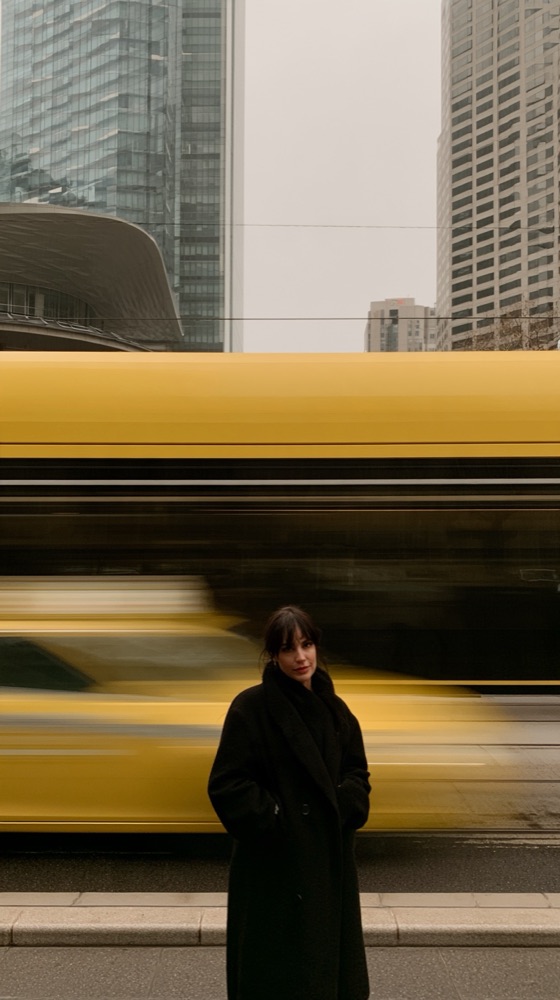
Still in the rush
Traffic
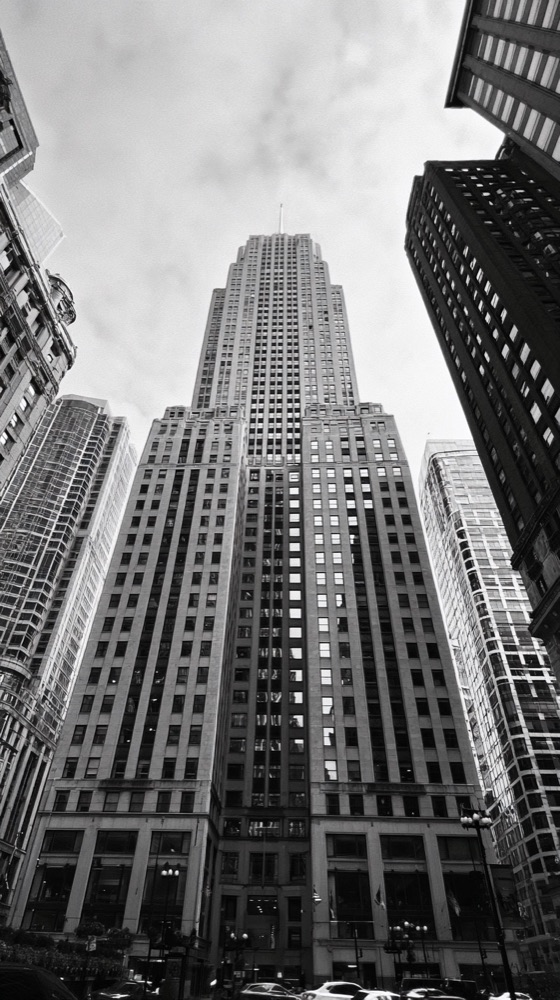
Lines and light
Look up
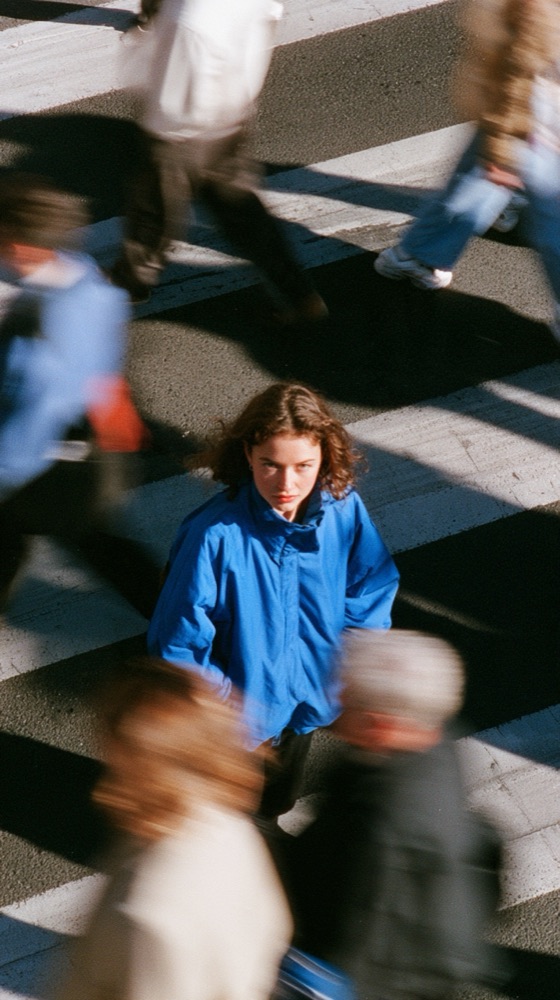
From above
Crowd below
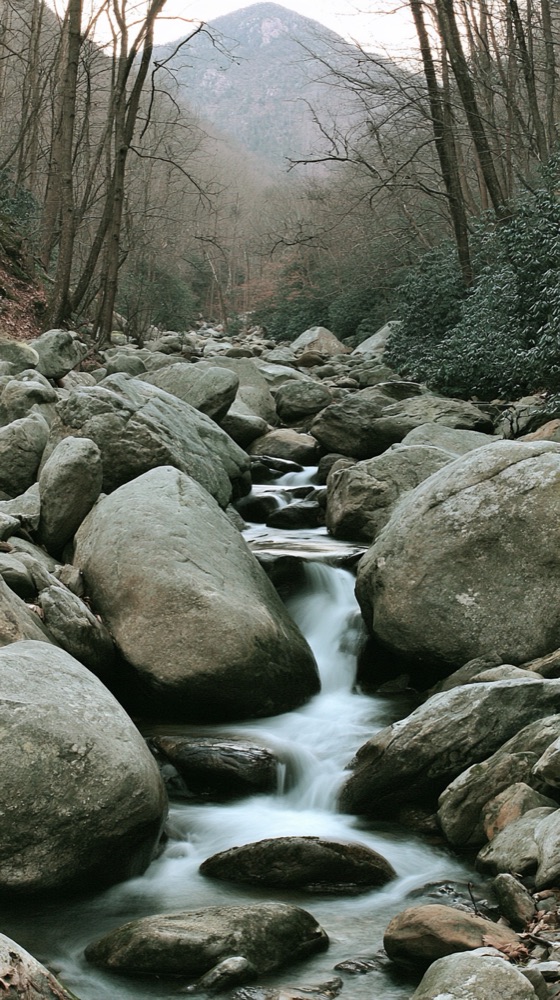
Out there
Water
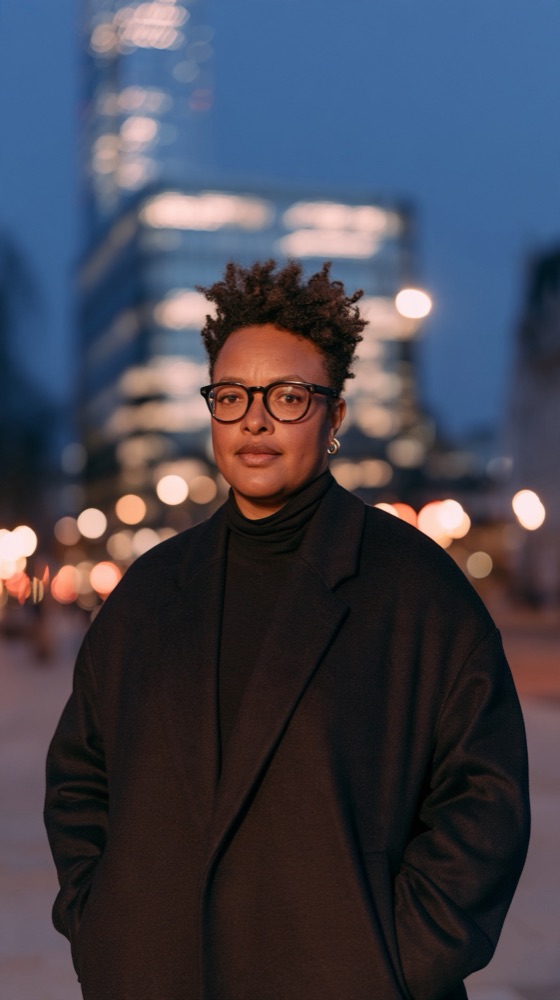
City lights
Dusk

Food
Side light
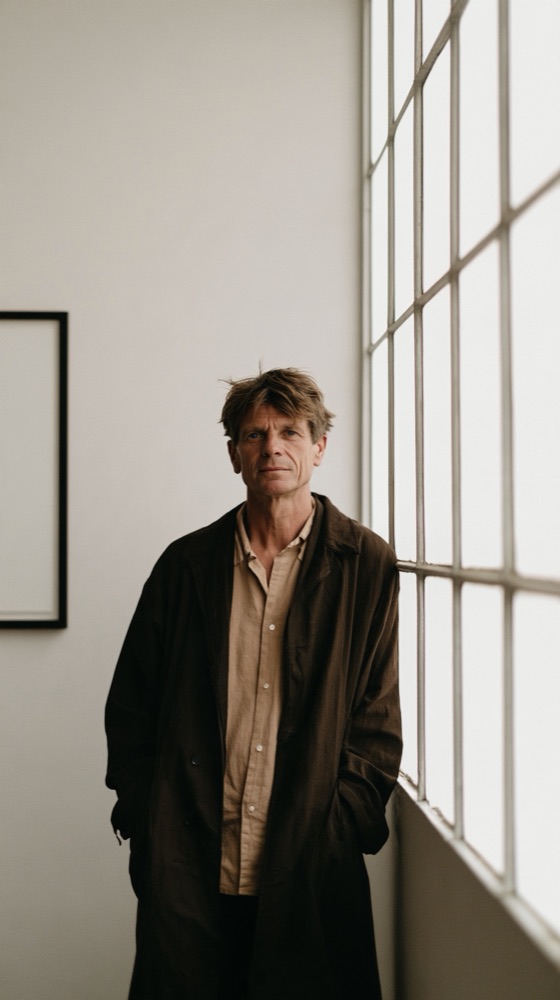
Window light
By the window
It knows where you are standing
Most camera apps only see the picture. CameraOnce also reads the light, the place and the weather around you, so the advice fits this street at this hour.
Where the sun is
Golden hour to the minute, blue hour, and which way to turn so the light lands on the side of a face.
What is around you
A busy road 30 m west. A canal to the north. A viewpoint up the hill. Distance and direction, never vague.
The weather and your hands
Overcast is the best portrait light there is. And it knows how slow a shutter your hands can actually hold.
Wait for the train
Some shots depend on something arriving. Stand still while a train pulls in and the world blurs around you. CameraOnce sets 1/15 of a second, checks your hands are steady enough to hold it, and tells you when you are near a platform where it will work.
Honest about the AI
Tap AI Help and it looks at your actual frame and tells you the single most useful change. Here is exactly how that works.
Bring your own key
Add a key from Anthropic, OpenAI or Google and the app talks to them directly from your phone, billed to your account.
No key, still useful
Without one, tips are worked out on your phone from the light meter and your settings. Every context source is a switch, and you can read the exact text before anything is sent.
The camera starts without an account.
Open it and it works. Captures stay on your phone unless you choose to upload them here. The privacy page says exactly what leaves it, and when.